Copy Paste Fonts
 Social Media Guides 4 min read Published
Discord Text Styling: A Guide to Messages, Names and Server Layouts
Learn Discord message formatting, decorative display names and readable server layouts. Includes Markdown examples and original templates you can adapt.
By the Copy Paste Fonts team · Sources checked 21 October 2026
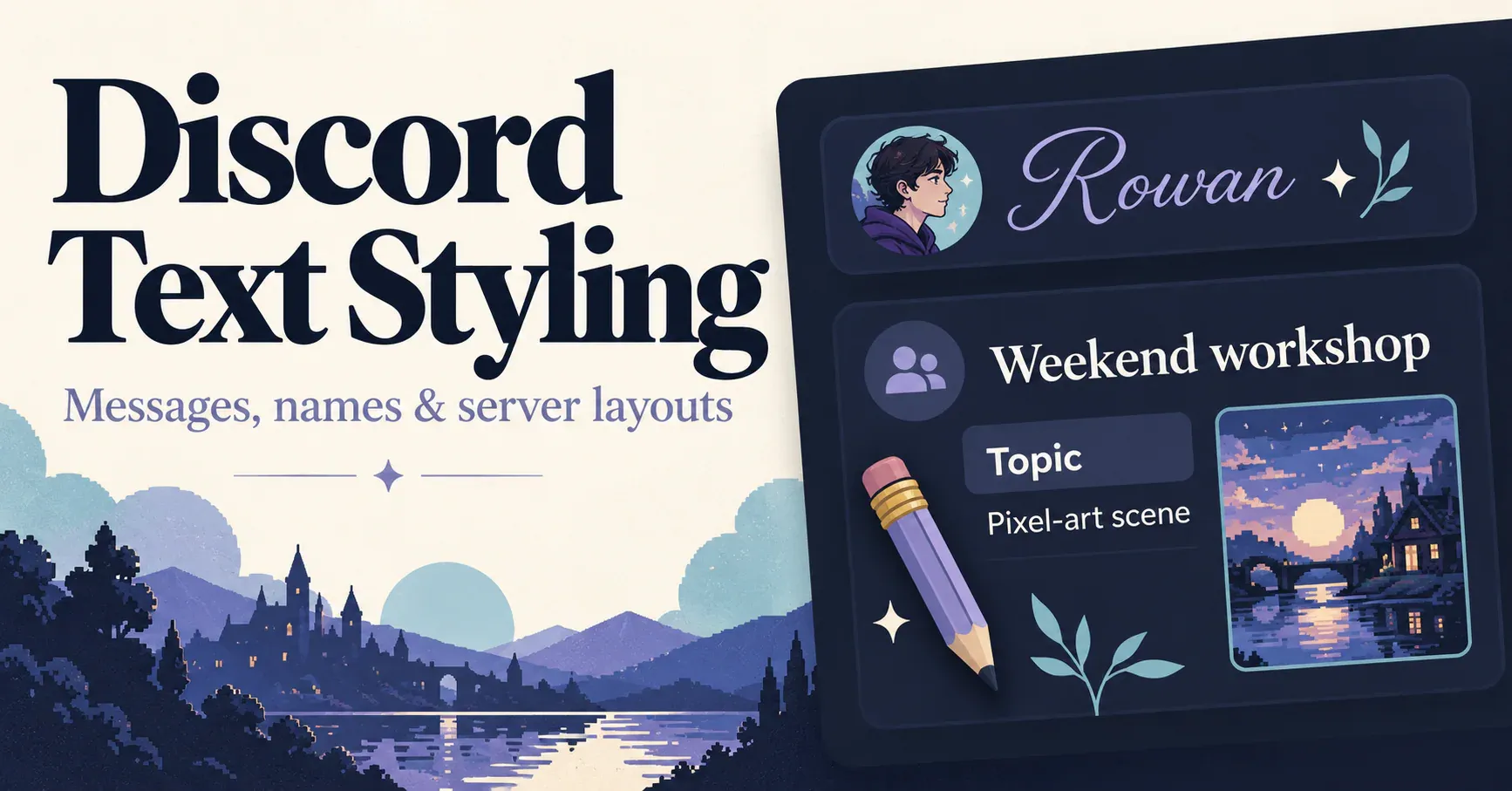
Before choosing a Discord text style, decide what you are editing. A message, a display name and a server channel label have different jobs. A large heading may help an announcement, while a short ordinary label can make a channel easier to recognise.
Discord’s built-in Markdown handles message formatting. [3] Copyable Unicode characters offer another option for decorative words and names. Use each where it helps: structure for the message, personality for a short name, and consistency for the server layout.
Format a message with Markdown
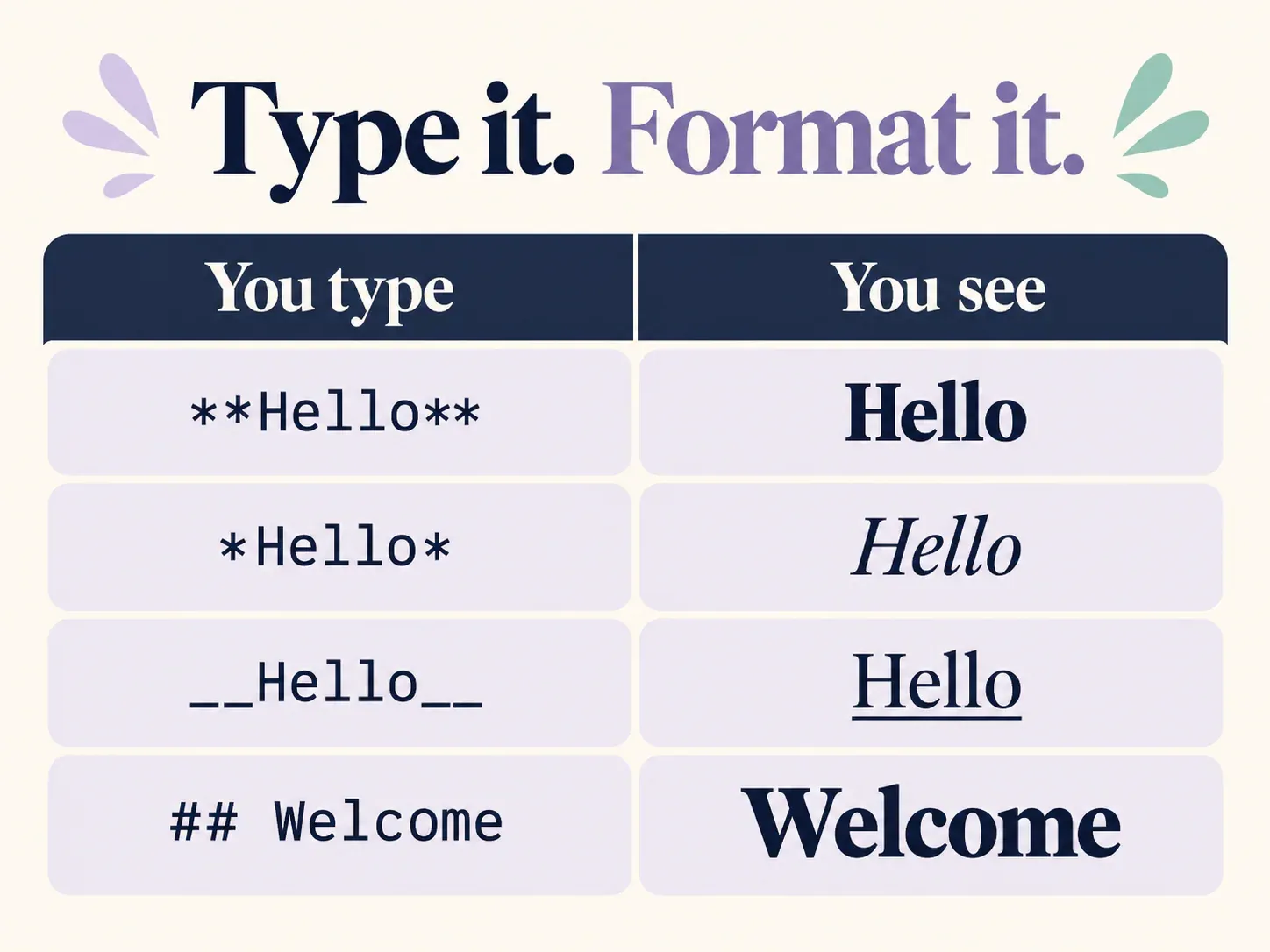
Markdown uses punctuation around text to tell Discord how to display it. Here are the main patterns, with original example wording:
Bold: **Session starts soon**
Italic: *Bring one idea*
Bold italic: ***Final reminder***
Underline: __Please read first__
Strikethrough: ~~Old meeting time~~
Inline code: `settings.json`
For headings, start a new line with #, ## or ### followed by a space. For example:
## Weekend workshop
A quote starts with > and a space. A bullet can start with - and a space. Put triple backticks before and after a block when you want to show literal code or text without ordinary Markdown formatting. [1]
Ready-to-adapt announcement
Copy this example into a message and replace the details:
## Weekend workshop
**Topic:** Building a small pixel-art scene
**When:** Saturday, 18:00 UTC

- Bring one reference image.
- Choose a simple colour palette.
- Share your progress in the art channel.

*New to pixel art? You can follow along without posting.*
The heading states the event, bold labels separate the practical details, and the list makes preparation easy to scan. The decorative work is done by Discord’s formatting, so the announcement does not need an entire paragraph of substituted letters.
For a different event, preserve the structure and change the content. A reading group might replace the topic with a chapter discussion; a gaming group might use the list for map choices and team requirements.
Style a name with Unicode
Unicode styling changes the characters in a word. You can generate a version in the Discord fonts generator, then copy and paste it into an appropriate editable field.
Compare these name ideas:
Plain: Rowan
Script: 𝓡𝓸𝔀𝓪𝓷
Bold: 𝗥𝗼𝘄𝗮𝗻
Double-struck: ℝ𝕠𝕨𝕒𝕟
Blackletter: ℜ𝔬𝔴𝔞𝔫
Simple accent: Rowan ✦
Use the full name when comparing styles. A decorative capital may look good alone while making the rest of the name feel uneven. If a treatment is hard to recognise at member-list size, try the simpler accented version.
Username, display name and server nickname
Your username is the unique identifier used to connect with you. Discord restricts it to lowercase Latin letters, numbers, underscores and periods, with additional rules such as no consecutive periods. It is not the place for a decorative alphabet.
Your display name is the name people normally see and can include spaces, special characters and emoji. A server nickname can replace it in a particular server. Discord’s documentation explains that a server nickname takes precedence there when one is set. [2]
For example, your username could remain rowan.studio, your display name could be Rowan ✦, and your nickname in an art server could be Rowan | Watercolour. You can coordinate them without making all three identical.
To change the appearance, open the relevant profile settings and edit the display name or permitted server nickname. Check the saved result in the place where other members will see it.
A bio or status line that reads quickly
A Discord bio or status is a short space, so decide what one line should tell a visitor. A status can say what you are doing now, while a bio can say who you are and what you like. Where your profile has an About Me area or a custom status, plain words do most of the work, and one styled word or symbol can add personality.
Use these original lines as a Discord bio template or as Discord status ideas, and replace every detail with something true about you:
Watercolour, tea and slow sketches
Open to commissions ✦
Playing: pixel-art practice
Back at 20:00
Mod of the art channel
Ask me about brushes
If you want a styled word, generate it in the Discord fonts generator and paste it into the field, then check how Discord saves it, because each field handles characters differently. Put the useful part of a status first, and use a single symbol or emoji to mark the mood without making the line harder to scan.
Design a server layout people can navigate
Begin with the tasks members need to complete: read the introduction, find updates, ask a question and share something. Give those destinations short, descriptive names before adding symbols.
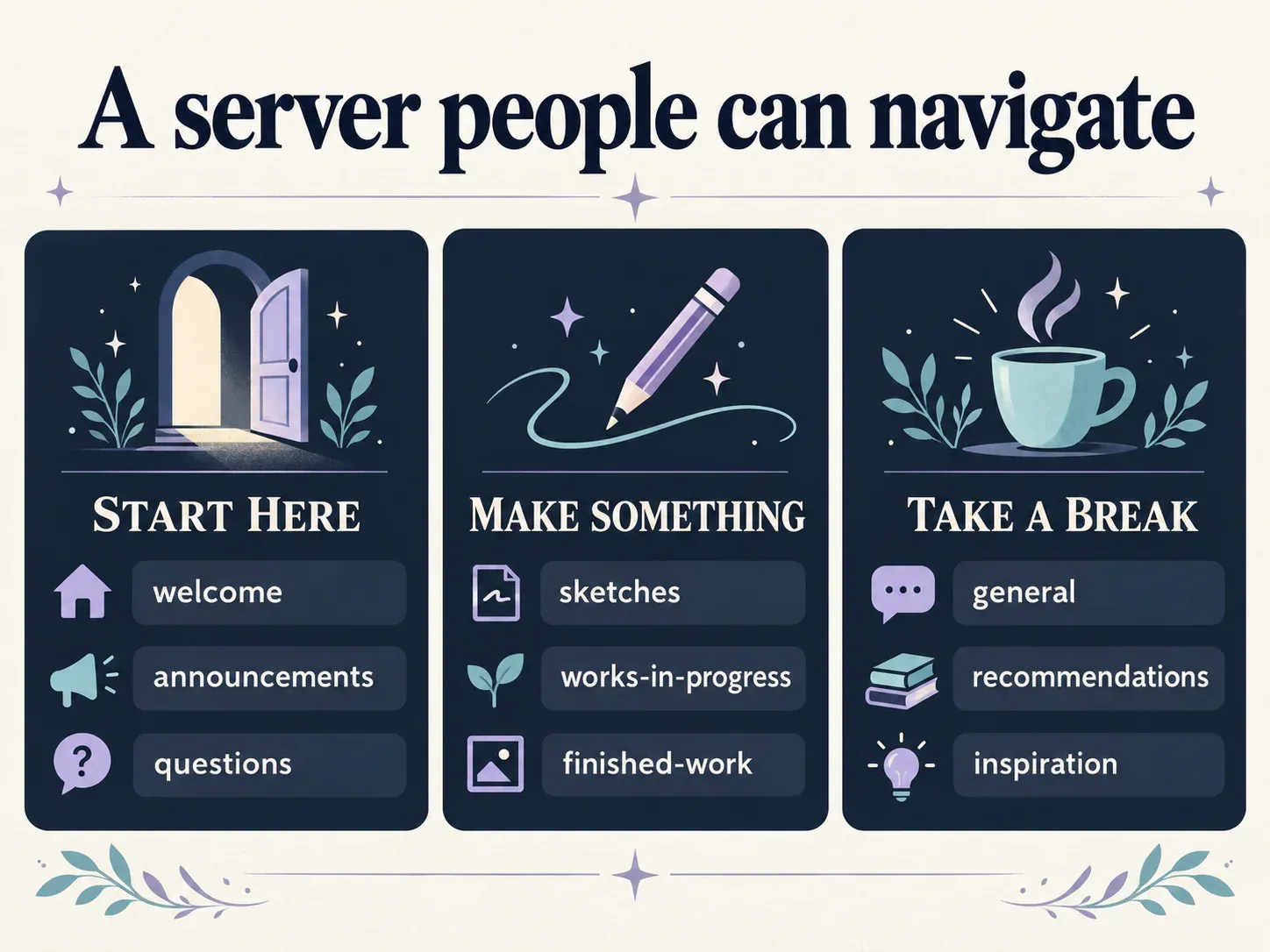
Illustration, not a screenshot of Discord.
An original small creative-community layout:
Category: START HERE
Channels: welcome, announcements, questions

Category: MAKE SOMETHING
Channels: sketches, works-in-progress, finished-work

Category: TAKE A BREAK
Channels: general, recommendations, inspiration
Treat the category and channel lists above as server layout templates: they are plain-text plans you can copy by hand and adapt, not importable Discord server templates.
If you want a visual accent, use a consistent pattern such as one symbol beside a category or one emoji before a channel’s ordinary name. Review what Discord actually saves, since field-specific handling can affect the input.
Long ornamental frames can make a channel list harder to scan. Spend the available space on the word that explains the channel. A member looking for help should not have to decode several similar-looking decorated labels.
For roles, start with meaningful names such as Host, Member or Artist. Style should make a real distinction easier to notice, not give every role the same dramatic appearance. Editing server channels and roles also depends on your permissions.
A welcome message with a clear next step
Here is a second copyable structure:
## Welcome to the studio
Glad you are here. This is a place to share small projects and useful feedback.

**Start here**
- Read the community guidelines.
- Introduce yourself in the welcome channel.
- Share something you are making, or join a conversation first.

**Need a hand?**
Ask in the questions channel and include a little context.
Replace channel descriptions with the actual channel mentions when preparing your server message. The purpose of the template is to make a first visit easy, rather than fill the welcome screen with decoration.
Fix common formatting problems
If the punctuation appears literally, check that you closed the formatting markers. If you put the example inside a code block, Discord will show it as code rather than ordinary formatted text. [3]
If a heading is not recognised, check its position and the space after the # characters. A heading marker belongs at the beginning of the line. [1]
If a decorative name is rejected, check which name field you are editing. Simplify the text and remove optional symbols before trying again.
If a name feels crowded, reduce the treatment to one word or use an ordinary name with one accent. The text should remain recognisable beside an avatar, not only in a large preview.
Try a short name in the Discord fonts generator, then combine it with a clear message and server structure. The strongest style is one people can recognise and navigate comfortably.
Ready to try it?
Open Discord Fonts