Copy Paste Fonts
 Font Styles 4 min read Published
Cursive Fonts for Names and Bios: Copyable Examples & Styling Tips
Explore copyable cursive names, initials and bio ideas. Compare script and italic text, add simple decorations, and choose a style that stays readable.
By the Copy Paste Fonts team · Sources checked 21 October 2026
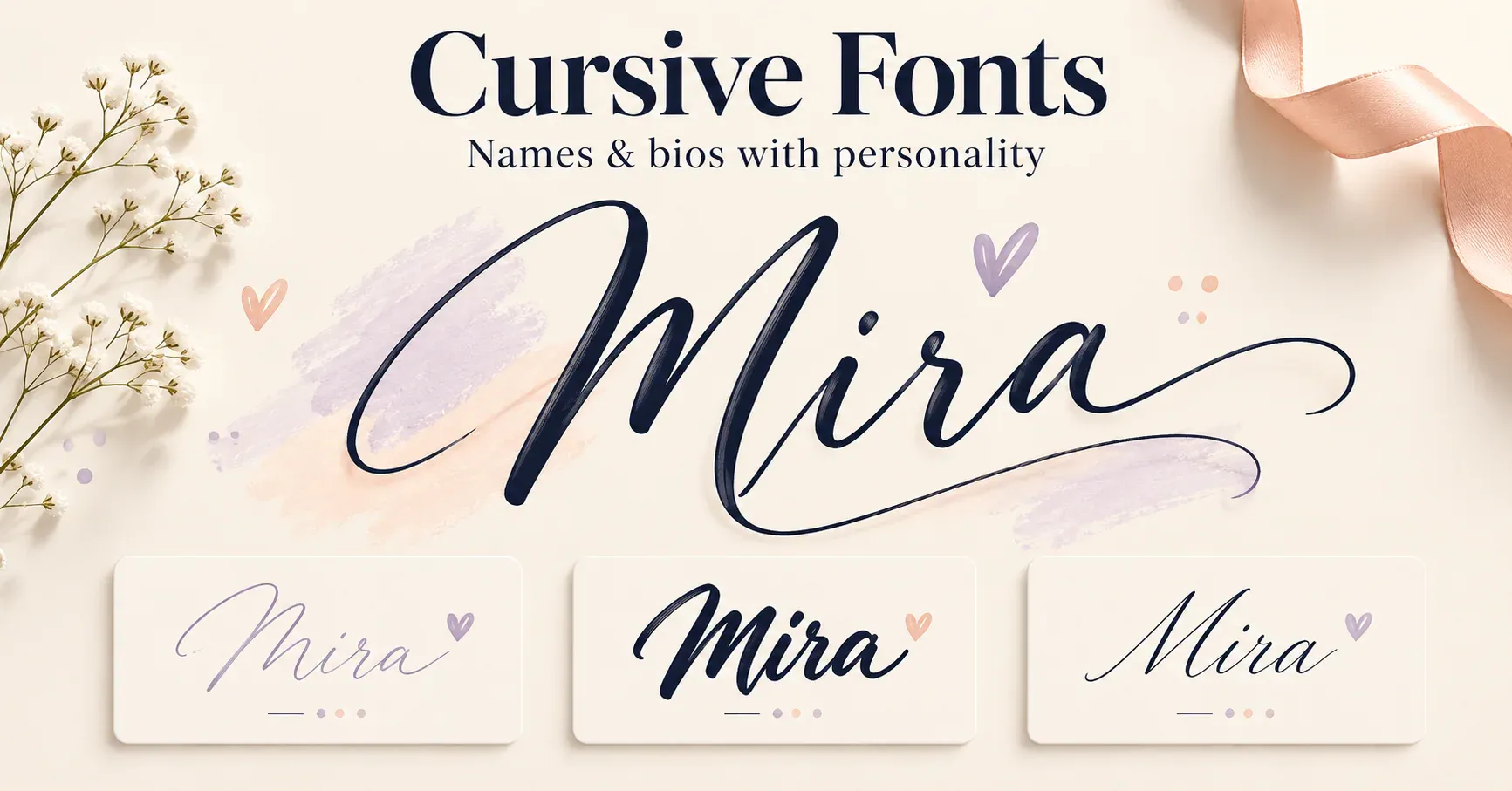
A cursive name can give a profile a personal touch without changing the rest of your bio. The most useful starting point is your own name: compare a light script with a heavier script, then decide whether it needs any decoration at all.
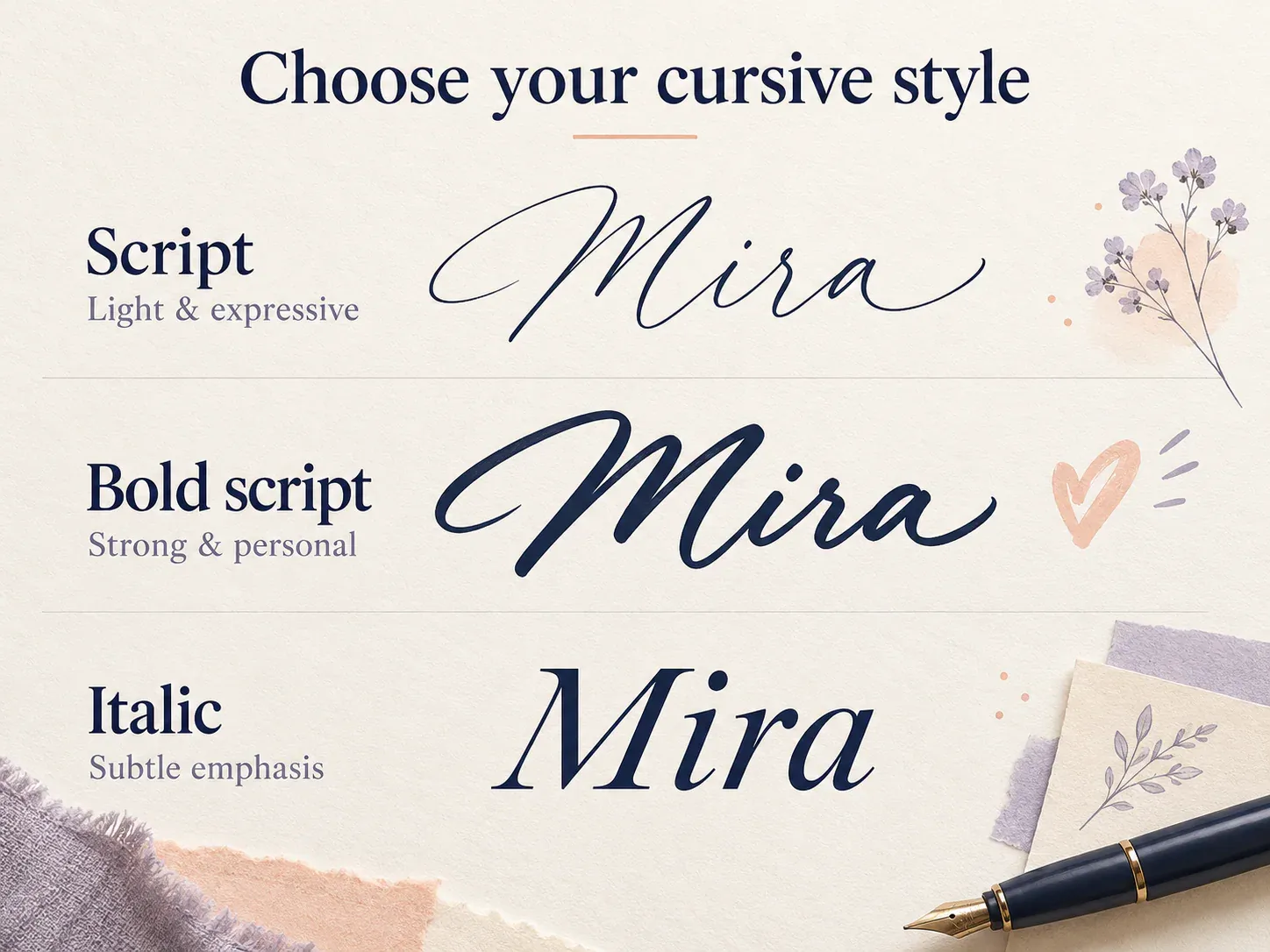
Try these versions of the same name:
Plain: Mira
Script: ℳ𝒾𝓇𝒶
Bold script: 𝓜𝓲𝓻𝓪
Italic: 𝑀𝑖𝑟𝑎
The first two decorative options have a handwritten character. The italic version is slanted, but it is not the same kind of lettering. That difference matters when you want something elegant without making a short name difficult to recognise.
What you are copying
Copyable cursive uses Unicode characters that resemble script lettering, so you can copy and paste it like any other text. A generator substitutes those characters for the ordinary letters you enter. It does not install a font on your phone or change an app’s settings.
For example, ordinary M and script ℳ are different characters. Many script letters come from the Mathematical Alphanumeric Symbols block; several others are in Letterlike Symbols. Their original purpose is mathematical notation, even though people also use them decoratively online. [1]
The receiving app still decides how to draw those characters. Copying preserves the character sequence, rather than an exact picture of its appearance.
Choose a style for the job
For a personal display name, begin with script:
ℳ𝒾𝓇𝒶
For a short heading that needs more visual weight, compare bold script:
𝓜𝓲𝓻𝓪
For a quieter tagline, use italic:
𝑠𝑙𝑜𝑤 𝑚𝑜𝑟𝑛𝑖𝑛𝑔𝑠
For initials, keep the composition compact:
𝓜 · 𝓙
For a paired-name line, allow a little breathing room:
𝓜𝓲𝓻𝓪 ♡ 𝓙𝓾𝓷𝓮
For a decorative name without changing its letters:
♡ Mira ♡
The final example is especially useful when you like a soft look but prefer the spelling to remain ordinary text. Hearts and separators are optional additions, not separate cursive alphabets.
Build a bio around one cursive line
Rather than styling every sentence, assign each line a purpose. Put the name or mood on top, explain what you share beneath it, and finish with a useful invitation.
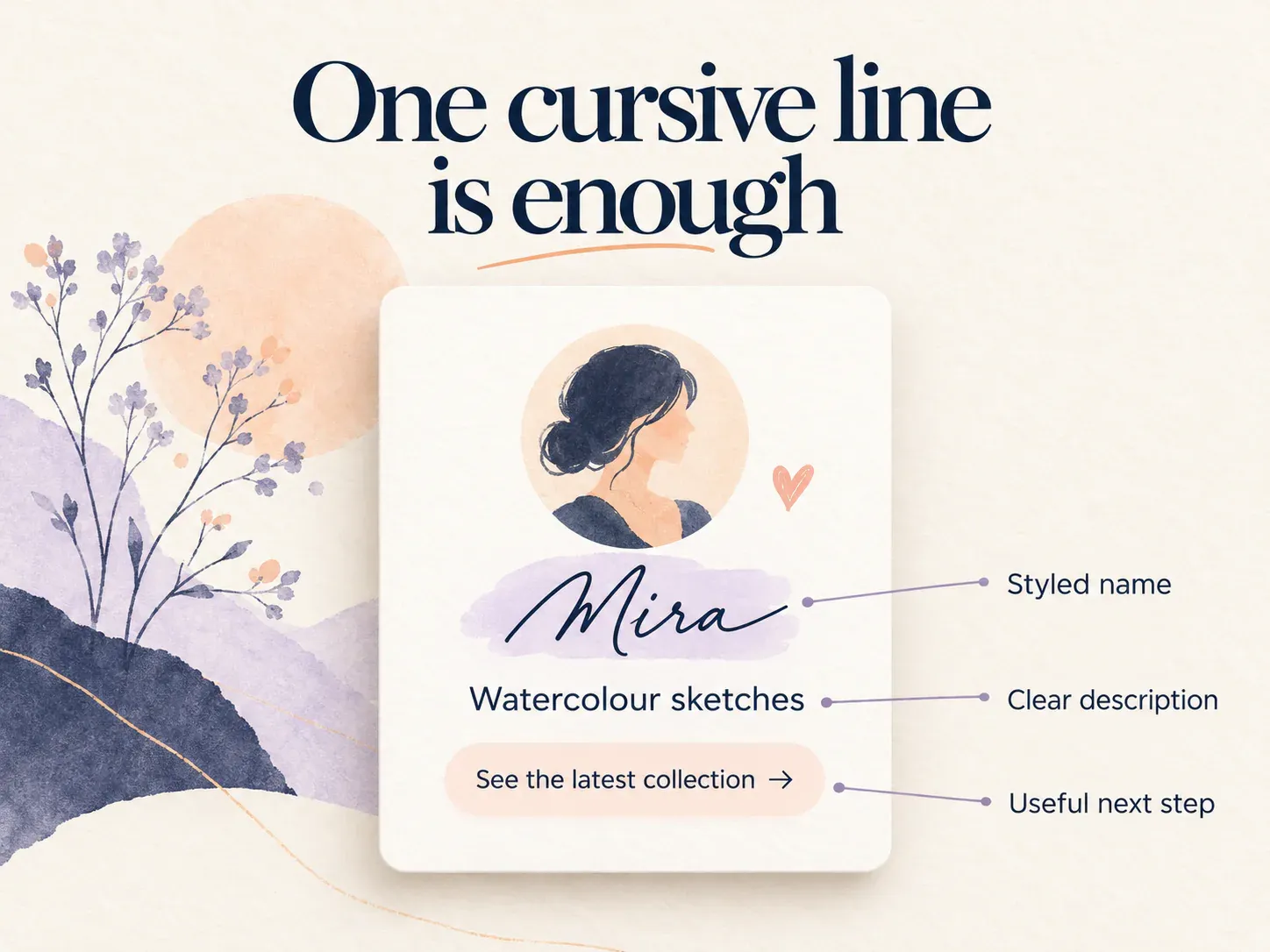
An art account:
𝓜𝓲𝓻𝓪
Watercolour sketches and little city stories
See the latest collection below
A reading journal:
𝓙𝓾𝓷𝓮
Books, annotations and rainy afternoons
Currently reading: a new mystery
A personal profile:
♡ ℳ𝒾𝓇𝒶 ♡
Long walks • small adventures
Collecting moments, not perfect plans
These are starting points. Replace the details with something specific to you, then shorten the wording to fit the destination field. A biography becomes more distinctive through its message as well as its lettering.
Add decoration without hiding the name
Pick one visual idea and repeat it sparingly. A single pair of hearts creates a different mood from a centered dot, but neither requires a whole border of symbols.
Soft: ♡ 𝓜𝓲𝓻𝓪 ♡
Minimal: 𝓜𝓲𝓻𝓪 · notes
Celebration: 𝓜 + 𝓙 · 14.06
Try the undecorated version first. If the name already has elaborate capitals, a plain separator often gives the lettering enough space. On a narrow screen, short decorations also leave more room for the name itself.
How to create and paste your version
- Open the cursive font generator and enter your name or a short phrase.
- Compare the available script-style outputs using the same wording.
- Copy the version you want, keeping an ordinary-text version nearby for editing.
- Paste it into the display-name, bio or message field you want to customise.
- Review the saved result at normal reading size, including any line breaks.
Account handles have their own character rules, so use the intended display field instead of assuming a decorative name belongs in an @username. If a field rejects the text, try the name without added symbols and then a simpler style.
When a real cursive font is the better fit
For an invitation, a document or a website you control, use the application’s font selection. A real script font changes how ordinary letters are drawn and can provide carefully designed connections between letters. Copyable script is a set of characters, not a replacement for all of those design features. [2]
This is also why a word that looks smooth in one app may have slightly different spacing in another. Choose the output based on its final location, rather than only the generator preview.
Quick fixes for awkward results
A capital looks unrelated to the lowercase letters: compare another script weight, or style only the initials.
The bio looks crowded: remove the frame, reduce the wording and leave the explanatory line plain.
A letter appears as a box: try a more widely supported style or ordinary text. A missing symbol can reflect the fonts available on the receiving device. [3]
An accented name loses its spelling: keep the accent and use a simpler treatment. Correct spelling matters more than forcing every character into the same shape.
Try your own name in the cursive font generator and compare the result before adding symbols. A well-chosen word usually does more than a complicated border.
Ready to try it?
Open Cursive Fonts