Copy Paste Fonts
 Font Basics 5 min read Published
How Copy-Paste Fonts Work: Unicode Characters Explained
Discover how copy-paste fonts turn ordinary letters into Unicode styles, why they survive pasting, and how they differ from font files and rich text.
By the Copy Paste Fonts team · Sources checked 21 October 2026
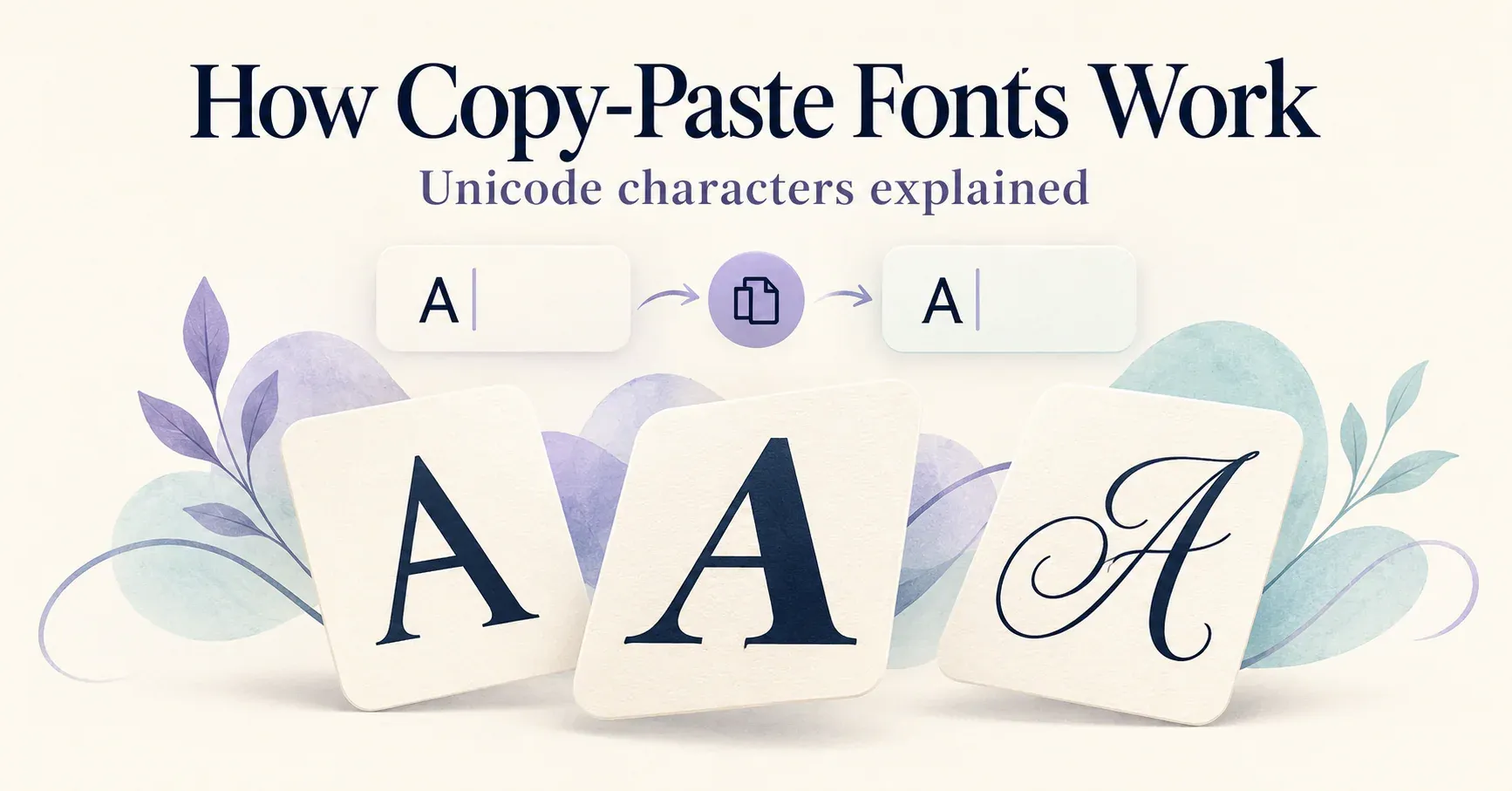
Type a name into a font generator and you may see bold, script, outlined-looking and Gothic versions. Copy one into another app and the decorative letters often remain. How does that happen without installing a font?
The generator is usually changing the characters themselves. What looks like a new font is often a different sequence of Unicode characters that resembles your original wording.
Look at these three versions:
Ordinary text: Nova
Mathematical bold characters: 𝐍𝐨𝐯𝐚
Mathematical bold script characters: 𝓝𝓸𝓿𝓪
They look related to a reader, but they are not identical sequences of character codes. That distinction explains both the convenience and the practical limits of copy-paste fonts.
Unicode identifies characters; fonts draw them
Unicode is a standard for representing text. It assigns code points to characters so software can store and exchange text consistently. It includes many writing systems, punctuation marks, symbols and other characters. [1]
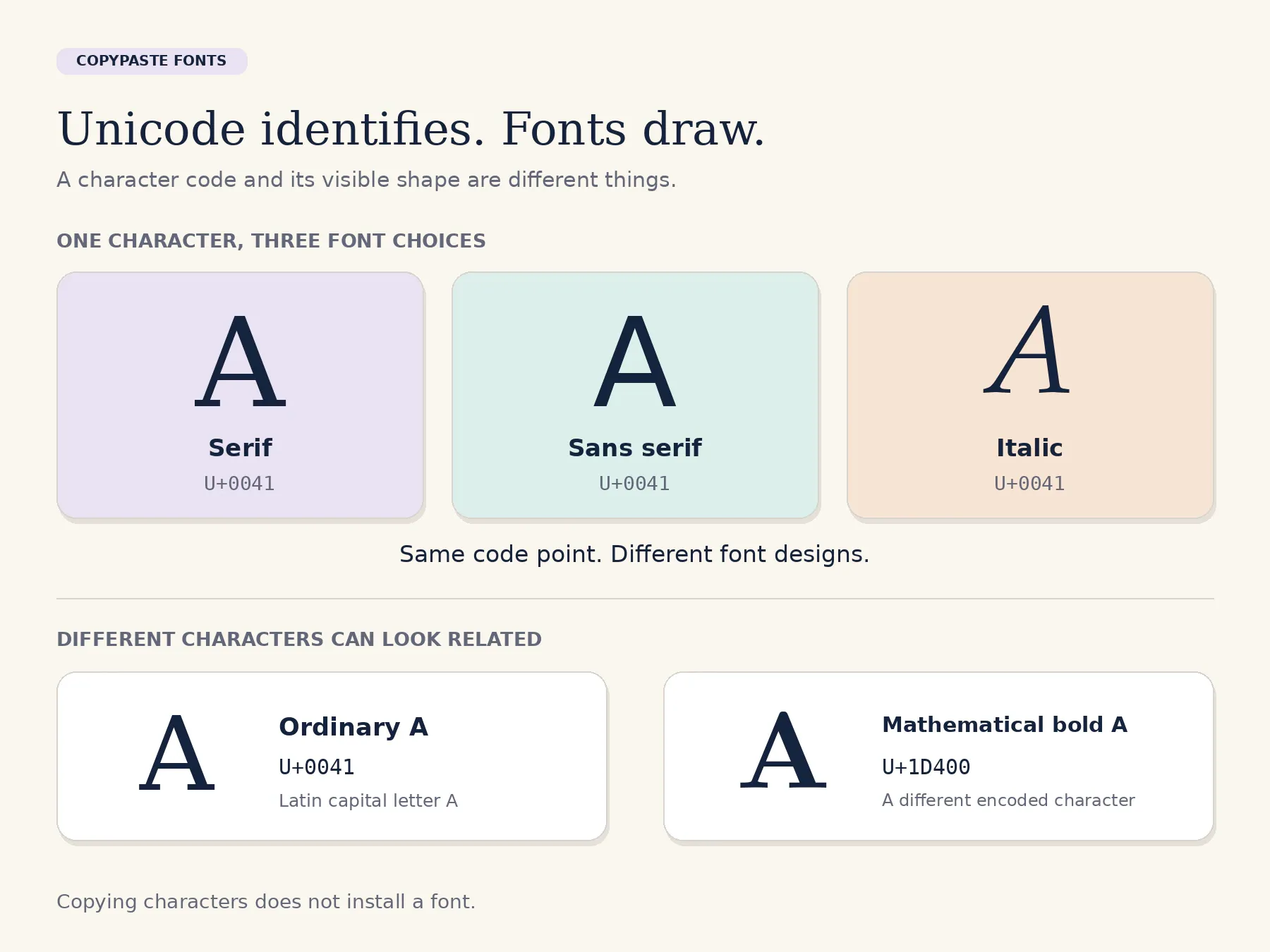
A font provides the visible shapes used to draw supported characters. The same ordinary A can look different in two fonts without becoming a different character. Conversely, A and 𝐀 are different characters even if both are recognisable as forms of the letter A. [2]
Here is a concrete example:
A — U+0041 — LATIN CAPITAL LETTER A
𝐀 — U+1D400 — MATHEMATICAL BOLD CAPITAL A
𝓐 — U+1D4D0 — MATHEMATICAL BOLD SCRIPT CAPITAL A
The names describe the encoded characters. They do not tell the receiving app which exact font file to use for displaying them. [3]
What the generator does
A character-based generator starts with your input and applies a mapping. For a supported ordinary letter, it looks up the corresponding character in the chosen style. It then returns a new text string.
For example, a bold transformation of “Nova” can replace N, o, v and a with their mathematical bold counterparts. A decorated version might keep ordinary “Nova” and add a star at each end:
✦ Nova ✦
Those are different operations. One substitutes letters; the other adds a frame. A tool can combine them, which is why several displayed presets may use the same underlying alphabet with different surrounding symbols.
Unsupported input needs separate handling. A Latin-letter mapping does not automatically create matching variants for every accented letter or every writing system. The sensible result is to preserve the actual spelling rather than replace an unfamiliar character with a different-looking letter.
Why the style can survive pasting
If you copy mathematical bold 𝐀, the clipboard can carry that character to another app. The destination does not need the original page’s bold formatting to know which character was pasted.
This differs from selecting ordinary A in a document and pressing a Bold button. In that case, the character can remain A while the document stores formatting information separately. A plain-text field may discard that extra formatting. Unicode distinguishes plain text from rich text, which adds information such as size and styling. [4]
The copied character sequence can survive while its exact appearance changes. The destination uses its own fonts and text-rendering system, so spacing and stroke shapes may differ from the generator preview.
Copyable letters, font files and images
Choose the format that fits the job:
Copyable characters: useful for a short name or phrase in a field that accepts the characters but offers little formatting control. The recipient receives text, not an installed typeface.
Font-based formatting: useful in documents, websites and design projects where you can choose a font and adjust typography. The ordinary letters and their presentation can be managed separately.
An image of lettering: useful when you need a fixed visual composition, such as an illustrated title. The picture carries the appearance, but its lettering is not automatically selectable or editable text.
For example, a profile name might use copyable characters, a printed invitation might use a script font, and an illustrated cover might combine typography with artwork. These are different solutions to different publishing needs.
Why one visible letter can count as two
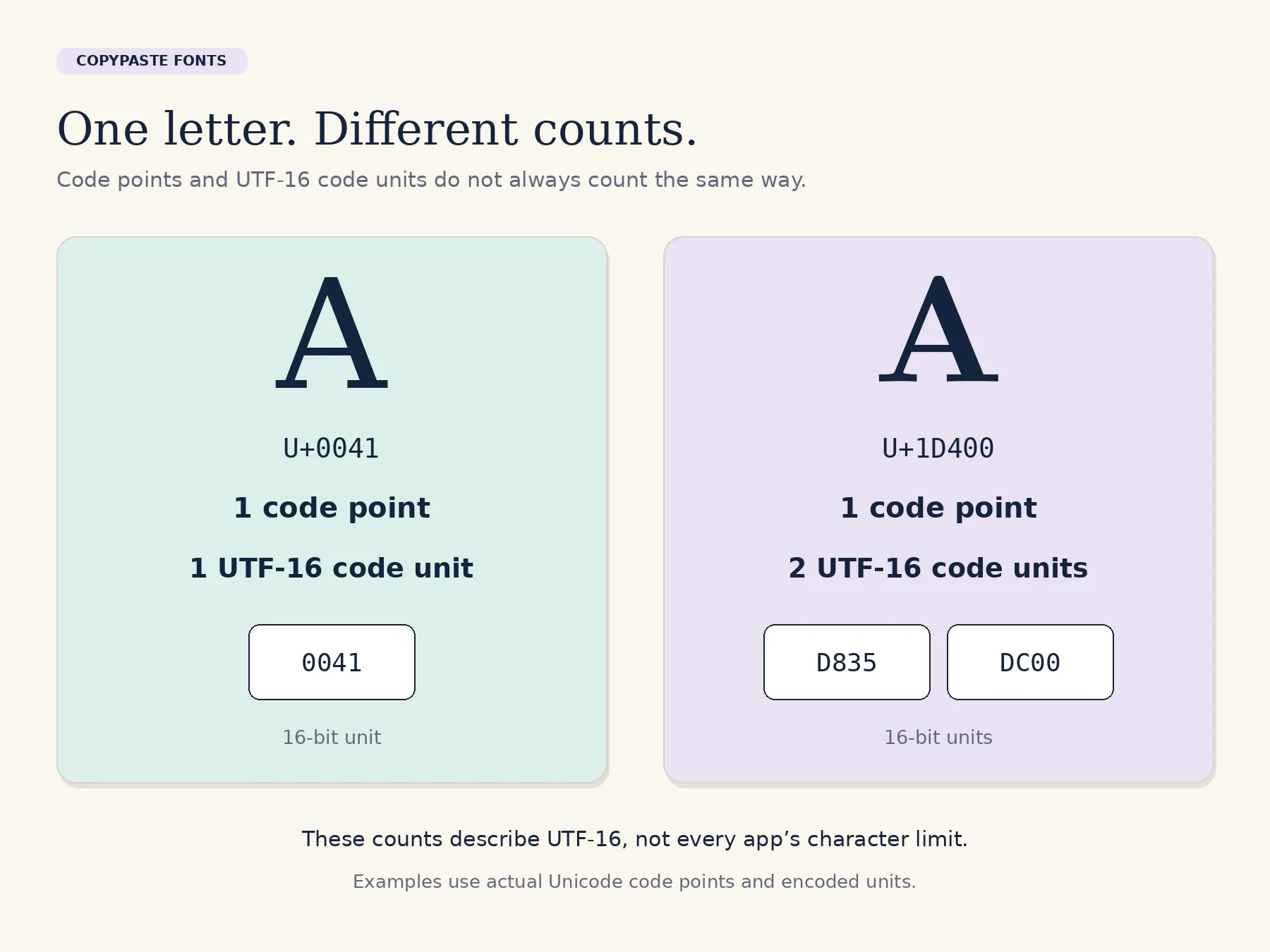
“Character count” can mean several things. A program might count code points, UTF-16 code units or user-perceived characters. These are not always equal.
For the examples above:
A: one code point; one UTF-16 code unit.
𝐀: one code point; two UTF-16 code units.
𝓐: one code point; two UTF-16 code units.
JavaScript’s ordinary string length property counts UTF-16 code units. A counter based on that property can therefore report 2 for a single mathematical bold letter. That does not establish how every social platform counts its fields. [5]
Combining marks introduce another difference. An accented letter can sometimes be represented as a base letter followed by a combining accent, even though a reader sees one unit. [6] When a bio is close to its limit, check the destination’s own feedback instead of assuming that the visible letter count is the whole calculation.
Why some output looks different or shows boxes
A device needs suitable font support to draw a character. If that support is missing, an app can show a missing-glyph symbol, often a box. This does not necessarily mean the copied text has vanished. [7]
For a practical fix, compare a simpler style and remove optional decorations. If a particular letter still does not display, keep the word in ordinary text. The final goal is a recognisable name or message, not the largest possible number of special symbols.
An app can also alter input through validation or text processing. Unicode compatibility normalization, for example, can map certain presentation variants to simpler equivalents. Whether an app uses such processing depends on its implementation. [8]
What happens to search and editing?
Because the character sequences differ, a basic exact-text comparison does not treat Nova and 𝐍𝐨𝐯𝐚 as identical. A product may add normalization or other matching logic, so search behaviour depends on that product. There is no single rule that every search box must follow.
Keep a plain-text copy for future edits. Use ordinary spelling for addresses, handles and other identifiers that need to work as entered. For a public profile, a short decorative name can sit beside a plain description that explains who you are.
Try a short word in the copy and paste fonts generator and compare it with the ordinary version. Once you recognise the difference between characters and their appearance, it becomes easier to choose the right format for each place you publish.
Ready to try it?
Open the font generator