Copy Paste Fonts
 Font Styles 4 min read Published
Gothic, Blackletter and Old English Fonts: Differences, Origins and Uses
Understand Gothic, blackletter and Old English font names. Explore their origins, compare copyable examples and choose a style for names or designs.
By the Copy Paste Fonts team · Sources checked 21 October 2026
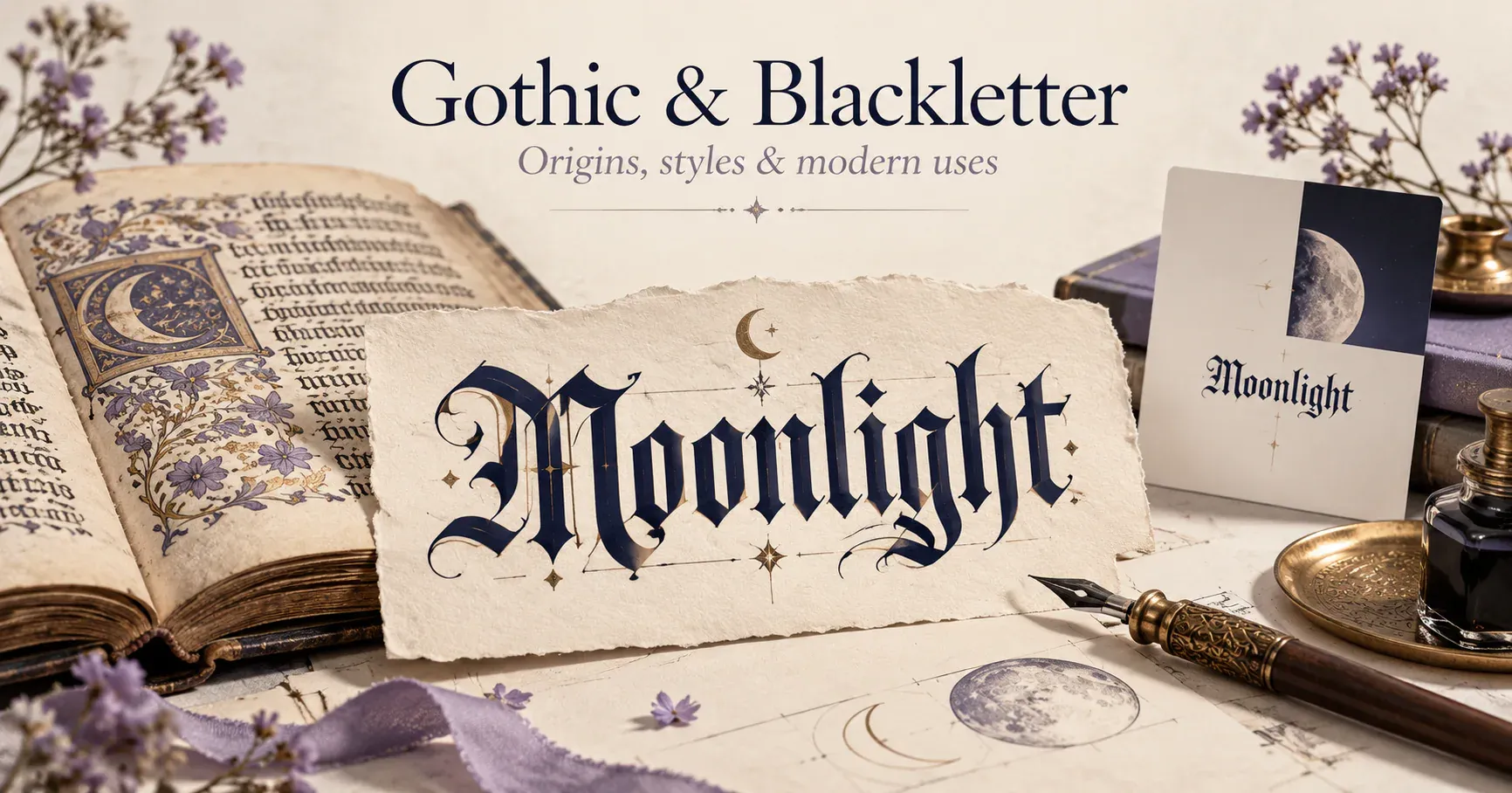
You may search for Gothic fonts, blackletter lettering or Old English text and find similar-looking results: angular strokes, elaborate capitals and a dense, traditional texture. The terms overlap in everyday use, but they do not describe one single font.
Understanding the names helps you choose the right result. A copyable social-media name, a printed invitation and a medieval-inspired poster can share a mood while needing different kinds of lettering.
What do the three names mean?
Blackletter is a broad historical classification associated with medieval European writing and the typefaces developed from it. Google Fonts describes the category in relation to that medieval tradition. [1]
Gothic is often used for blackletter in this context. It can mean something different elsewhere in typography: some American typeface names use “Gothic” for sans-serif designs. The word alone does not guarantee medieval-looking letters.
Old English is commonly used as a visual label for blackletter-style type, with familiar designs drawing on Textura. It is a typography label here, not a translation of your words into the historical Old English language. [2]
If you type “moonlight” into a generator and get 𝔪𝔬𝔬𝔫𝔩𝔦𝔤𝔥𝔱, the English word has not changed. Its characters have been replaced with a decorative set.
A short route from handwriting to print
Blackletter has roots in medieval European manuscript writing. Different regions and uses produced different letterforms; there was never just one universal blackletter alphabet.
Printing carried those familiar forms into type. The Library of Congress identifies the lettering used for Gutenberg’s Bible as resembling Textura, also called Black Letter Gothic, and dates its example to 1455. [3] The printed page could therefore look connected to the manuscript tradition readers already knew.
Later blackletter designs continued to develop. Today, you can encounter their influence in display lettering for book covers, themed projects, certificates and identity design. For a new project, the useful question is which particular forms fit the words and the reading size.
Four names you will encounter
Textura: a tightly arranged, upright style with strongly angular strokes.
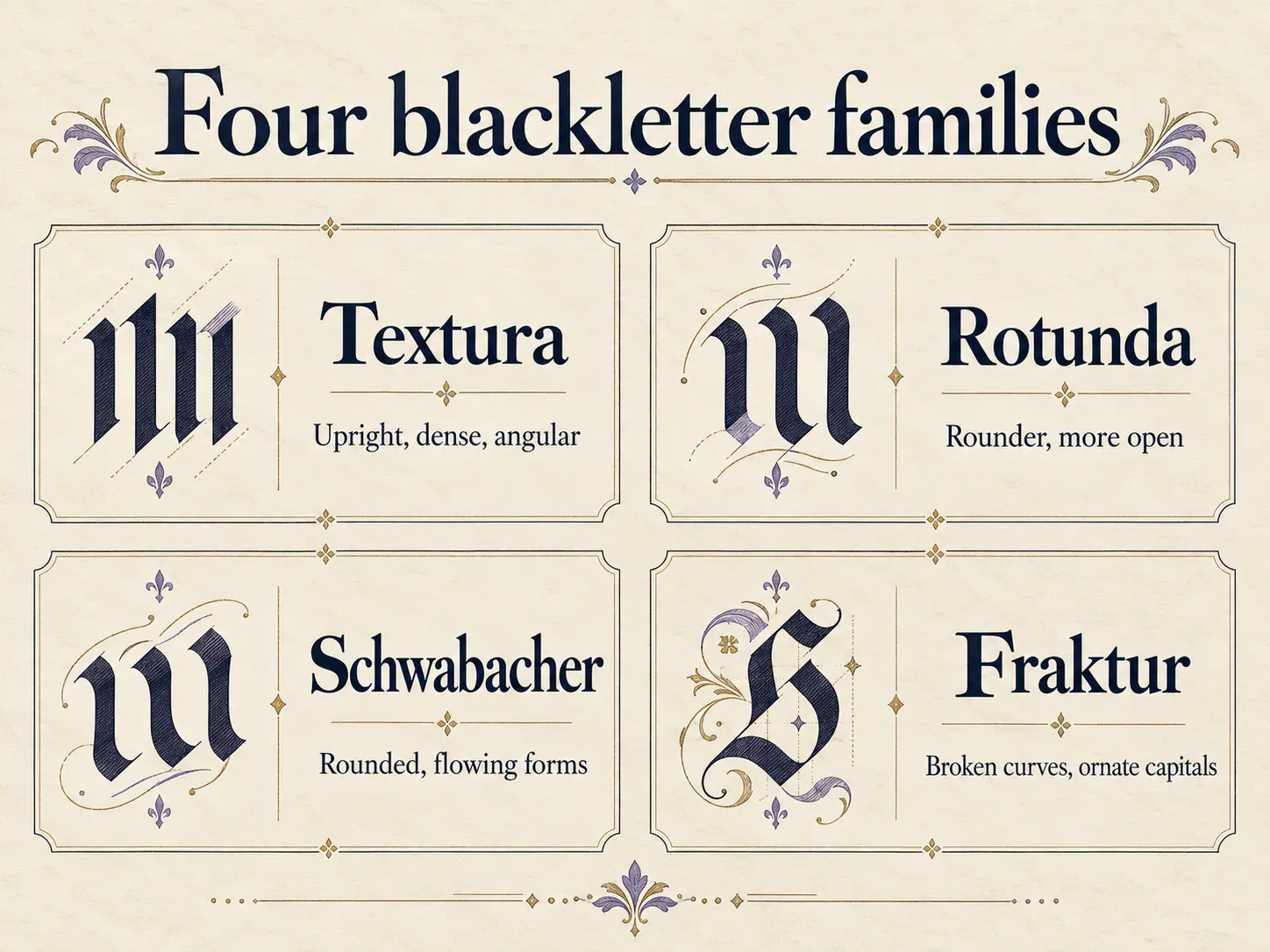
Illustrative lettering, not exact historical type specimens.
Rotunda: a rounder treatment, associated particularly with southern European traditions.
Schwabacher: a German blackletter style with comparatively rounded, flowing lowercase forms.
Fraktur: a style combining broken curves, angular details and ornamental capitals. [2]
These short descriptions help you recognise differences, but they are not interchangeable presets. Two fonts within the same category can still have noticeably different capitals, spacing and stroke weight.
What a copy-paste Gothic generator produces
Many generators use Unicode’s mathematical Fraktur and bold Fraktur characters for Gothic-looking output. These characters were encoded for mathematical notation; they provide a convenient character-based effect, not a complete collection of historical typefaces. [4]
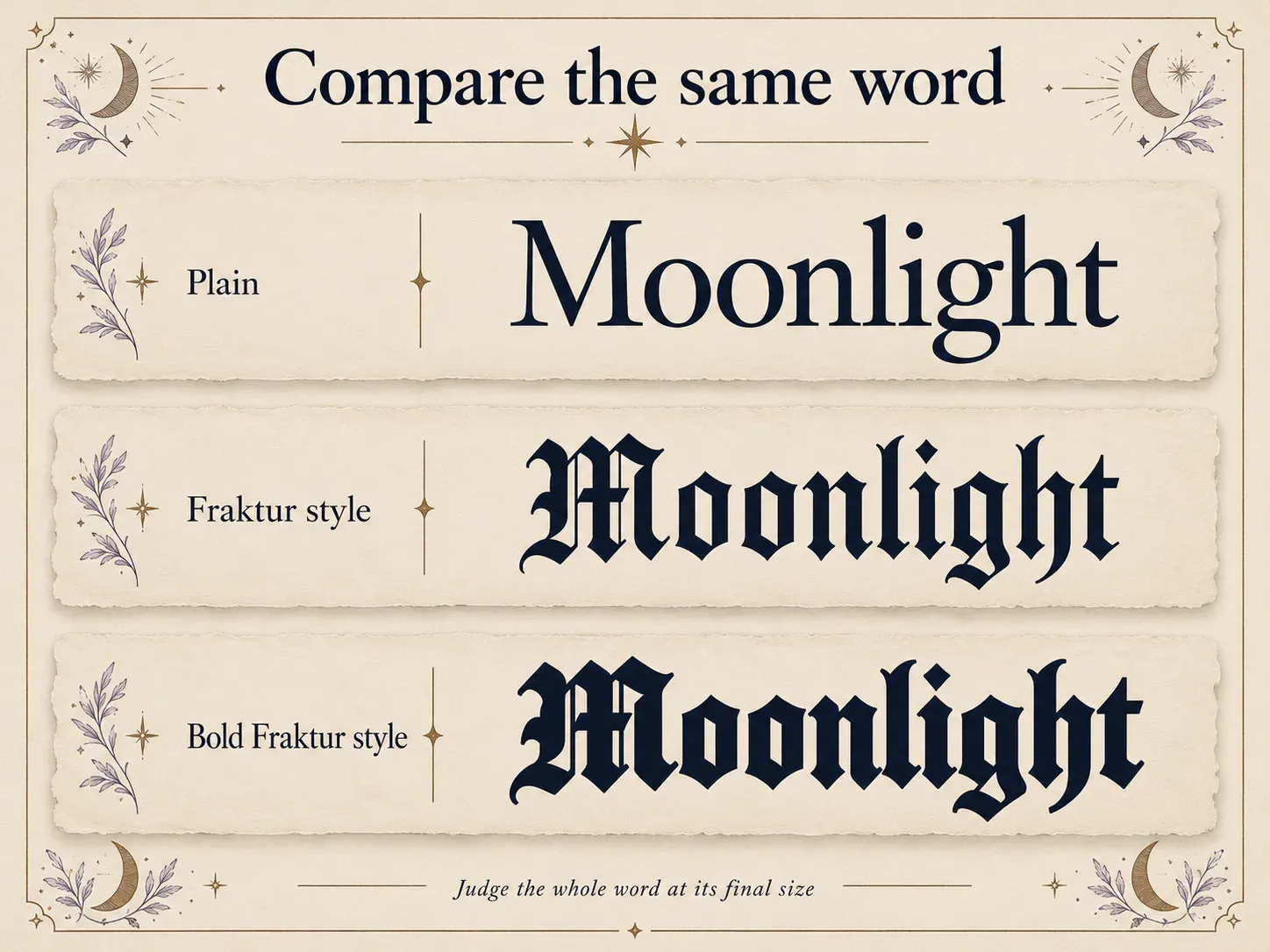
Illustrative artwork. The copyable Unicode characters are shown as text in this guide.
Compare one word:
Plain: Moonlight
Fraktur-style Unicode: 𝔐𝔬𝔬𝔫𝔩𝔦𝔤𝔥𝔱
Bold Fraktur-style Unicode: 𝕸𝖔𝖔𝖓𝖑𝖎𝖌𝖍𝖙
The heavier version gives the word more visual weight. The lighter one leaves more space inside the forms. Look at the whole word at its intended size rather than deciding from one large capital.
The destination app supplies the font used to draw the characters, so the exact rendering is not fixed by the generator. For a particular historical typeface, choose an actual font in a design application instead.
Original name and profile ideas
A fantasy reading journal:
𝔐𝔬𝔬𝔫𝔩𝔦𝔤𝔥𝔱
Fantasy books and notes from the margins
A game-character name:
𝕽𝖆𝖛𝖊𝖓
An illustration project:
𝔑𝔦𝔤𝔥𝔱 𝔖𝔱𝔲𝔡𝔦𝔬
Ink drawings and imagined places
A quieter alternative:
☾ Night Studio
Ink drawings and imagined places
The final version keeps the mood while returning the name to ordinary letters. Compare it with the blackletter treatment before choosing. Sometimes the symbol and the words communicate enough on their own.
For paired initials, try a compact composition:
𝕽 · 𝕸
For a collection title, keep the descriptive line plain:
𝔗𝔥𝔢 𝔄𝔯𝔠𝔥𝔦𝔳𝔢
Drawings collected across the seasons
Choose the format for the finished project
For a profile name or a short message, copyable Unicode can provide the character-based treatment you want. Generate the text, paste it into the intended field and review the saved result.
For a poster, logo study or printed card, use a real font so you can control spacing, size and composition. If the design needs a particular historical look, compare typefaces directly instead of assuming a “Gothic” generator reproduces them.
For a tattoo concept, use the lettering as a starting reference and develop the final forms with the artist. A copied screen sample is not a finished lettering drawing for skin.
For a page of reading text, reserve the elaborate forms for a short title and use a simpler body face. This lets the decorative heading establish the mood without asking every sentence to perform the same visual role.
Make the lettering easier to recognise
Start with mixed case and compare it with an all-capital version. Ornamental capitals can compete with one another when placed side by side. If the name is hard to distinguish, reduce the decoration before adding more symbols.
Check any letters that look similar at the size people will actually see. Keep a plain spelling nearby when recognition matters, such as a project description or accompanying caption.
Use ordinary punctuation unless a decorative replacement has a clear purpose. A well-spaced name and one simple separator usually give you more control than a frame full of unrelated marks.
Try a short name in the creepy text generator, which includes the Gothic and Old English styles. Copy and paste it, let the letterforms carry the mood, and keep the supporting words easy to understand.
Ready to try it?
Open Creepy Text